
Dirty data costs sales teams money. When your CRM contains outdated job titles, wrong email addresses, or duplicate records, you waste time on dead-end outreach and miss genuine opportunities with qualified prospects.
This guide shows you how to implement practical data cleansing and enrichment strategies that keep your B2B database accurate and actionable.
AI highlights
- B2B data cleansing involves tidying up your existing database, fixing data errors, removing outdated contacts, and ensuring your information is accurate and ready for action.
- Clean data is critical for B2B companies because it will help improve sales productivity, targeting, and decision-making while staying compliant.
- You can keep your B2B data clean by automating lead enrichment, regularly removing duplicate entries, tracking buying signals like job changes, and keeping your CRM constantly synced with the latest data.
- Here’s a quick comparison of the top tools for B2B data cleansing and enrichment:
| PhantomBuster | Cognism | HubSpot’s Breeze Intelligence | |
| Best For | Automating fresh data extraction from social platforms like LinkedIn | Teams targeting European markets with strict compliance needs | Filling gaps in your CRM with enriched company details |
| Top Feature | Real-time data updates and enrichment to keep your CRM current without the hassle | Verified, GDPR-compliant contact data for reliable outreach | Turning anonymous website visitors into qualified leads |
| Free Trial | ✅ | ❌ | ❌ |
| Pricing
From |
$56/mo | Custom pricing | $45/mo |
What is B2B data cleansing?
B2B data cleansing means cleaning up the mess in your database by fixing typos, removing outdated entries, and ensuring your data is useful for your sales pipeline.
It’s not about adding new information, as lead enrichment tools do, but about making what you’ve already got accurate and ready to work with.
When your CRM hygiene is poor, with broken email addresses, duplicate entries, and incorrect job titles, it’s no wonder your outreach fails. Regularly cleaning your data means you’re not wasting time chasing dead leads or sending emails to the wrong people.
Why is data cleansing important for B2B companies?
Poor data quality costs businesses a lot of money annually due to errors, inefficiencies, and lost sales opportunities.
Here’s why investing in data cleansing pays off:
- Boost sales productivity: Reliable data means your sales prospecting automation is more effective, and your team spends less time chasing incorrect leads.
- Enhance targeting and outreach: Clean data enables precise targeting, improving outreach efforts for your B2B sales funnel.
- Improve decision-making: High-quality data supports better strategic decisions and sales pipeline analysis.
- Decrease missed sales opportunities: Accurate customer data helps you easily catch and convert hot leads.
- Contribute to data security and compliance: Keeping your data clean helps you avoid compliance issues and keeps your systems safe from outdated or inaccurate information.
How to keep your B2B data clean
Every time someone changes jobs, updates their title, or changes phone numbers, your carefully built database takes a hit. Before you know it, you’re working with outdated information that is costing you deals.
Here’s how to maintain data integrity.
Automate data enrichment
Manual data entry is time-consuming and error-prone. Automating data enrichment with B2B sales tools ensures your records stay complete and accurate without the tedious work.
We recommend using the AI LinkedIn Profile Enricher automation to skip the grunt work and keep your data clean and actionable. Instead of combing through profiles yourself, just feed your lead sourcing list to the tool and let AI do the heavy lifting.
It can:
- Standardize messy job titles (e.g., changing “Chief Marketing Officer / CMO” to a consistent “CMO” format).
- Strip out emojis and unnecessary characters from names and titles.
- Spot decision-makers based on their seniority levels.
For example, try this prompt:
Analyze the LinkedIn profile of the user. Identify and standardize their job title based on the following rules:
1. Standardization: Convert job titles to commonly recognized abbreviations where applicable.
– Examples: ‘Chief Marketing Officer’, ‘CMO’, ‘CMO & Head of Marketing’, or ‘Marketing Executive (CMO)’ → Convert to ‘CMO’.
– ‘Business Development Manager’ → Convert to ‘BDM’.
2. Formatting:
– Remove emojis, special characters, and unnecessary descriptors (e.g., ‘Interim’, ‘Consultant’ unless it’s critical to the role).
– Keep titles clean and straightforward (e.g., ‘Head of Marketing’ instead of ‘Head of Marketing & Growth 🚀’).
3. Output Format: Provide only the cleaned and standardized job title.
4. Validation: If the job title is ambiguous, output ‘Unclear – Review Needed’.
5. Example Input: ‘Chief Marketing Officer / CMO & Head of Marketing 🚀’
6. Example Output: ‘CMO’
💡 Tip: Be as specific as possible when setting up your prompts. The clearer your prompt, the better your results. Check our prompt guide to better write AI prompts for lead generation.
Remove duplicate entries
Nothing screams “we don’t have our act together,” like two team members reaching out to the same prospect with different messages. Duplicates waste everyone’s time and reduce your pipeline velocity.
Start with a monthly cleanup ritual using your CRM’s built-in tools. HubSpot, for example, offers data cleansing services with a duplicate management feature that catches records with matching emails or phone numbers.
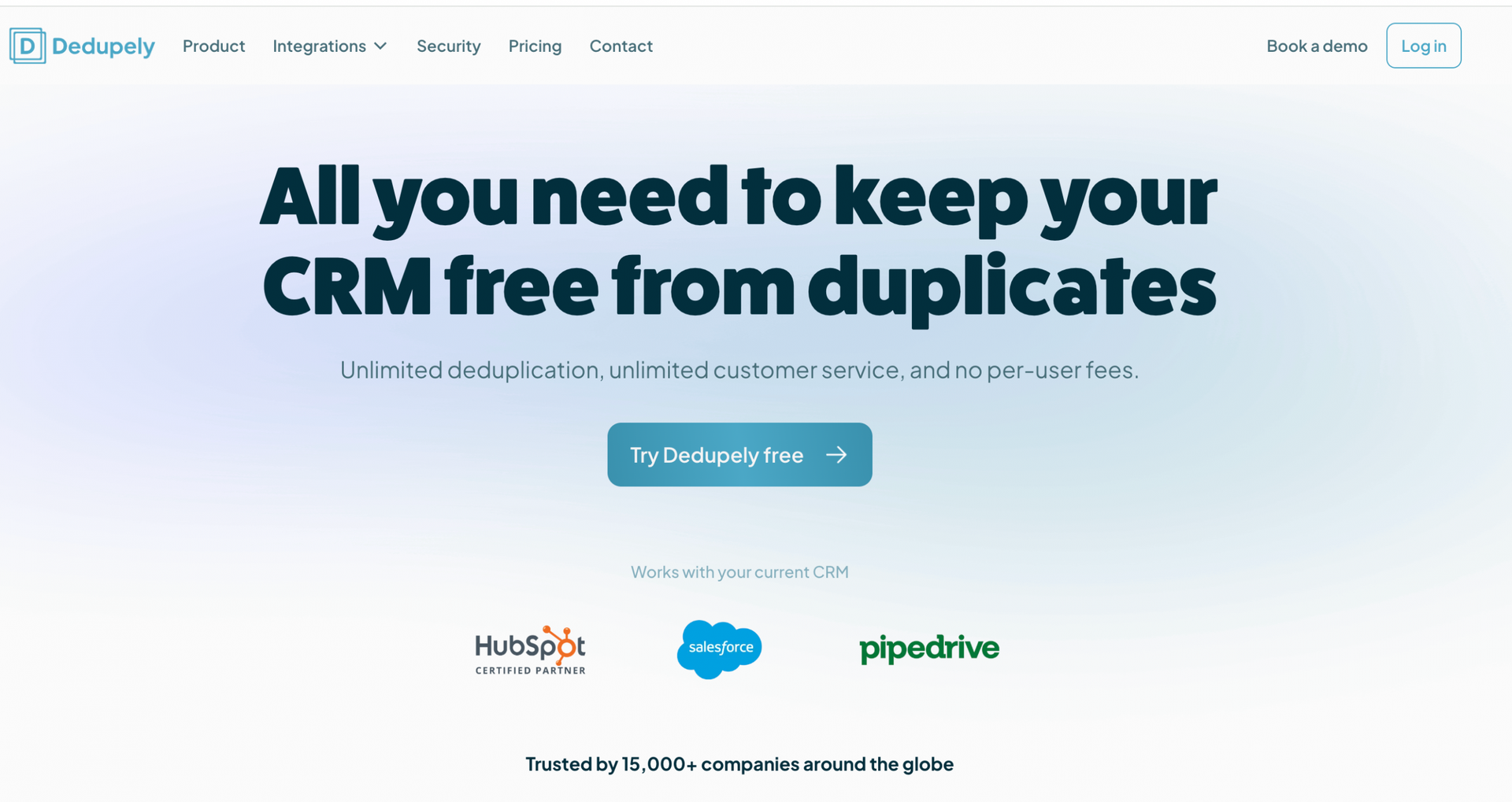
Or take it a step further with Dedupely. It’s built for CRMs like HubSpot, Salesforce, and Pipedrive and automatically detects and merges duplicates without losing key details.
💡 Tip: Set a 15-minute calendar reminder once a month to get it done. You’ll thank yourself later.
Track your contacts’ activity and intent signals
Want to know which prospects are ready to buy? Intent signals are your answer.
These buying signals go way beyond job changes. They include website visits, content downloads, event attendance, and social media engagement. Each action tells you something about a prospect’s current interests and buying readiness.
Try using PhantomBuster’s HubSpot Contact Career Tracker to help you stay on top of job changes. This automation scans your HubSpot contacts’ LinkedIn profiles and alerts you whenever someone moves to a new company.
It also enriches your CRM by updating prospects’ job title, company, professional email, and start date.
This is gold to help you maintain relationships when customers leave existing accounts, open doors at new companies where your customers have just arrived, and keep your CRM fresh.
💡 Pro tip: Set the automation to run 4-8 times daily, depending on your plan, to stay ahead of changes without missing a beat. This is perfect for keeping your CRM clean and ready for outreach.
Keep your CRM updated with real-time syncing
Have you ever had a perfect email bounce because the contact information was outdated? This can happen quite often, sometimes wasting gold sales opportunities.
We recommend scheduling PhantomBuster’s HubSpot Contact Data Refresher to run weekly. This tool automatically checks your LinkedIn-connected contacts and updates your HubSpot records with fresh information.
Set it up once, then forget about it. Your data stays fresh without you lifting a finger, making your automated sales prospecting much more effective.
💡 Pro tip: Ensure your HubSpot contacts are enriched with their LinkedIn Profile URLs before launching this automation. Without this, the HubSpot Contact Data Refresher can’t do its job properly. You can use the HubSpot Contact LinkedIn URL Finder to get this data ready.
Best tools for B2B data cleansing
If you need to keep your sales data clean, here are a few tools to help you maintain high-quality and accurate data without the headache of manual updates.
PhantomBuster
PhantomBuster helps you keep your B2B data fresh by automatically extracting up-to-date information from LinkedIn and other platforms where prospects share their latest details.
It offers 100+ pre-built automation across major platforms, including LinkedIn, Sales Navigator, and HubSpot.
Here’s what makes it stand out:
- Real-time data extraction: Automatically pulls the latest information from social platforms, so you’re always working with current details.
- Data enrichment: Adds accurate job titles, skills, and contact details to existing profiles, giving you a clearer picture of each lead.
- Automated updates: Keeps your CRM clean and relevant without manual data maintenance.
- Seamless CRM integration: Syncs enriched data directly to CRMs like HubSpot to keep everything in sync.
💰 PhantomBuster pricing starts at $56/month with a free trial available.
Cognism
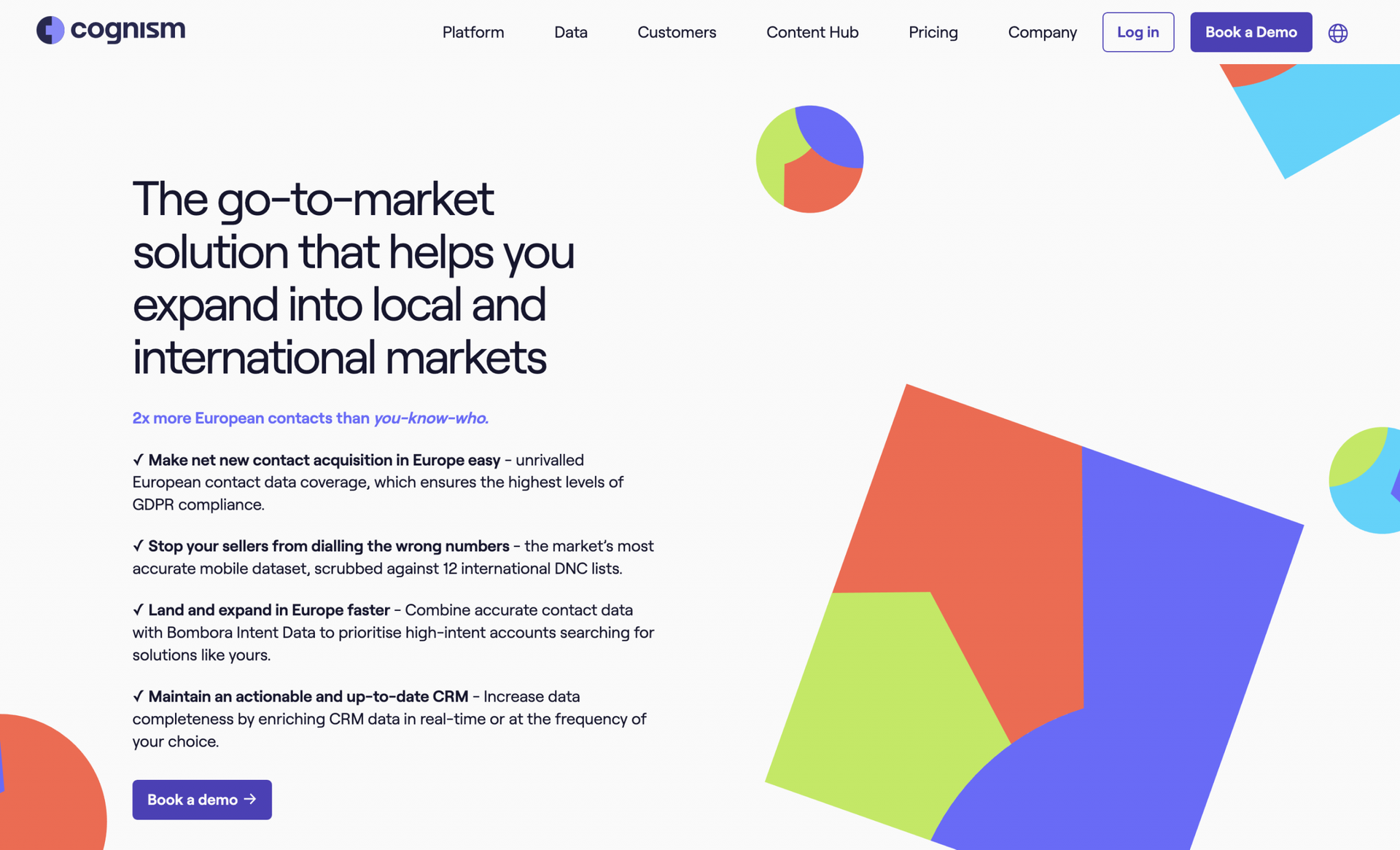
Cognism focuses on providing GDPR-compliant contact data with verified phone numbers and business emails. It’s essential for European markets where compliance is everything.
Here’s what sets it apart:
- Verified global contact data: Get direct dials and confirmed email addresses for decision-makers across industries. Perfect for sales and marketing teams targeting high-value accounts that require precision.
- Buying signal alerts: Stay in the loop when prospects show intent through activities like funding rounds or expansion news.
- Compliance-first approach: Rest easy knowing you’re staying on the right side of GDPR and CCPA regulations while gathering sales data.
💰 You must contact their team for custom pricing based on your needs.
HubSpot’s Breeze Intelligence
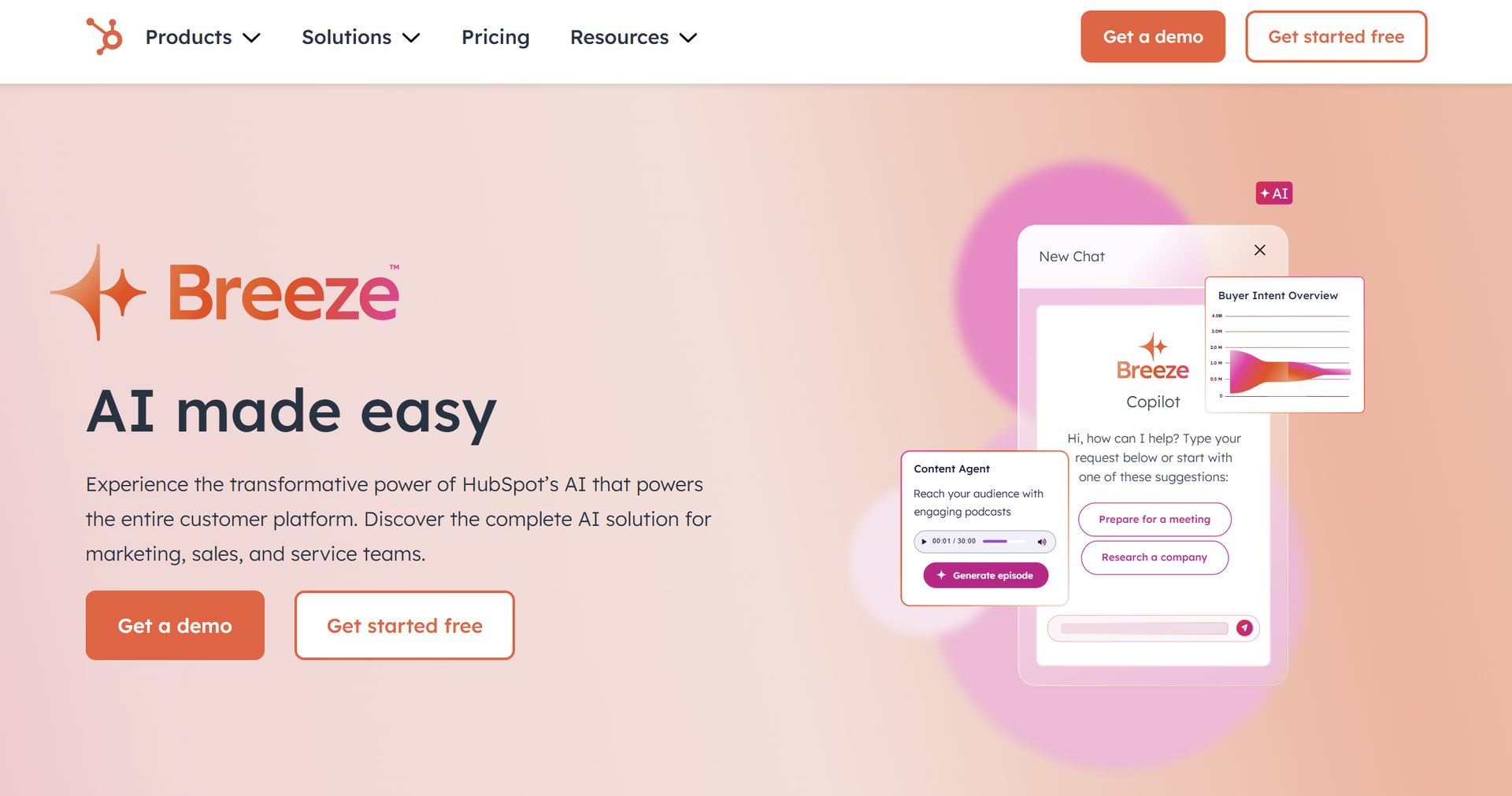
Breeze Intelligence from HubSpot (formerly Clearbit) enriches your existing data with company and contact details pulled from their extensive business information database.
Key strengths include:
- Data enrichment: Automatically fills in missing company details like industry, size, and technologies used, leading to less manual research and more qualified leads.
- Company sales intelligence: Get to know corporate hierarchies, industries, and seniority levels.
- Real-time updates: Keeps your database current with automatic contact and company information refreshes. Perfect for making sure your outreach is always accurate.
Breeze Intelligence is particularly useful for SDR sales teams looking to enhance lead quality before passing to sales.
💰 A free plan is available with paid options starting at $45/month (paid annually).
B2B data cleansing FAQ
What are the differences between data cleaning and data scrubbing?
Data cleaning is the full maintenance check for your database, tackling all data quality issues, while data scrubbing involves correcting or removing incorrect values.
You need both for effective B2B lead management—regular scrubbing to fix immediate problems and periodic deep cleaning to keep your data healthy long-term.
What are the challenges of B2B data cleansing?
The main challenges of B2B data cleansing include:
- Data decay: B2B contact info goes stale fast as people change jobs and companies evolve.
- Inconsistent formatting: Different sources often use different formats for the same business data.
- Duplicate records: The same contact can enter your database through multiple channels.
- Incomplete information: Missing data reduces the value of your records.
- Resource constraints: Thorough cleansing takes time and attention that teams often don’t have.