
Tutorial
Index
Give the URLs of the Sales Navigator profiles you're interested in
You have two options:
1. Process a single profile
Copy the Sales Navigator profile URL and paste it into your Phantom's setup.2. Process multiple profiles
Create a spreadsheet with Google Sheets. Copy the Sales Navigator profile URLs and paste them into your spreadsheet - one URL per row, all in column A.
Make this spreadsheet public so PhantomBuster can access it.
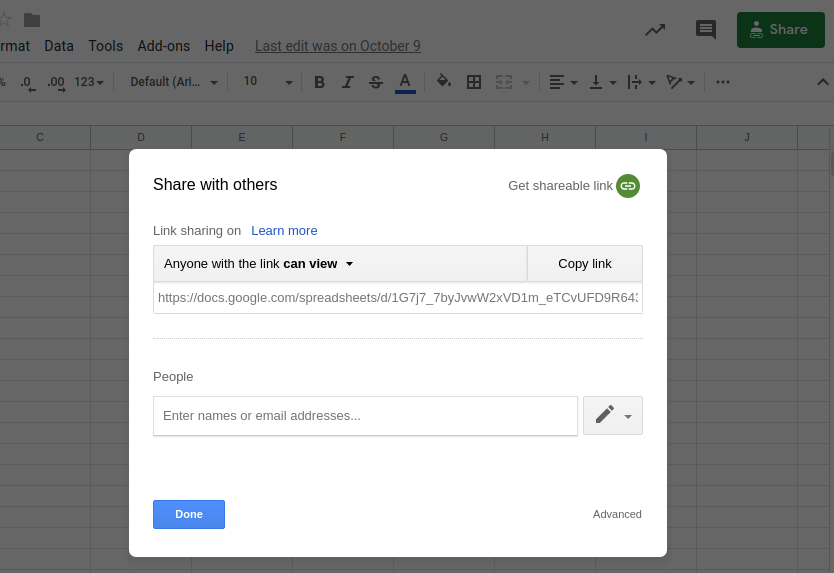
Copy the spreadsheet URL and paste it into your Phantom's setup.
Specify the number of profiles to process per launch
Choose how many profiles you want this automation to process each time it runs. This helps you control your usage and stay within platform limits.


